I have spent the last few weeks replaying Starfield on PC, and in 2026 the game still has a way of sending me down rabbit holes. With around two hundred quests across the main story, faction lines, and side content, it is no surprise that some missions bug out, some drag, and some are so good that I want to see them again without rolling a new character. That is where Starfield quest IDs and console commands come in. I am not here to pretend that every player needs them, but if you have ever stared at a broken objective and wondered whether a single typed command could save your save file, the answer is usually yes.

My first rule is simple: quest IDs are tools, not a magic wand. They let me start a quest, complete it, reset it, or jump straight to a specific stage. In a game this large, that flexibility matters. Is it cheating? That depends on what I want from the game. For a bugged quest that will not advance, I call it repair. For skipping a faction I do not enjoy, I call it time management. For replaying a favorite mission, I call it nostalgia. 😄
The process begins with the console. On PC, I press the Tilde key (~) or the Grave key (') to open it. Then I type a command and hit Enter. That part is easy. The hard part is knowing which quest ID to use. Starfield does not hand me a neat in-game menu of internal codes, so I keep my own notes and organize them by quest type. Main quests, faction quests, and side quests all belong in different mental buckets, which makes finding the right ID much faster when I am in a hurry.
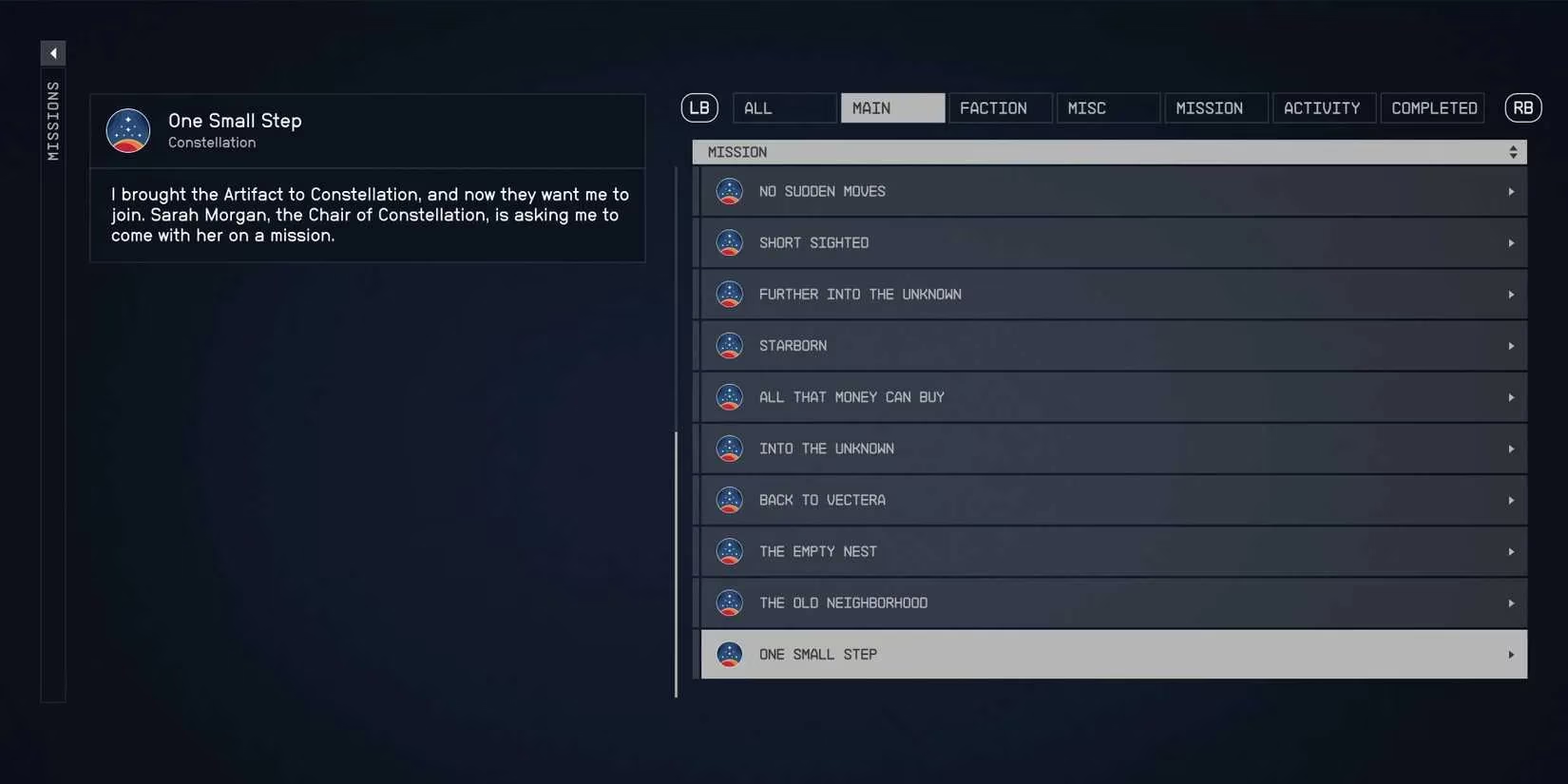
Here is the command set I use most often:
| Console command | What I use it for | My notes |
|---|---|---|
startquest [Quest ID] |
Starting a quest | Useful when a quest never appears |
completequest [Quest ID] |
Finishing a quest | I use it carefully, because it can skip story beats |
resetquest [Quest ID] |
Resetting a quest | My first attempt when a quest is stuck |
sqo [Quest ID] |
Listing stage numbers | I run this before jumping to a stage |
setstage [Quest ID] [stage] |
Jumping to a specific stage | I only use stage numbers returned by sqo |
The stage-jumping step is the one that trips people up. I cannot just guess a number. I first use the sqo command with the quest ID to get a list of stage numbers. Then I use setstage with the quest ID and the stage number I want. That two-step routine has saved me more than once when an objective refused to update. It also lets me replay a single beat of a mission without starting the whole thing over.

Do I recommend this for a first playthrough? No, not unless something breaks. The quests are the game. Skipping them on a first run is like fast-forwarding through a movie and then asking why the ending did not land. But on a second, third, or tenth run, quest IDs become a practical shortcut. I can reset a bugged faction quest, complete a side mission that will not close, or jump to a stage I have already seen. In 2026, with so many other games competing for my time, that kind of control is valuable.
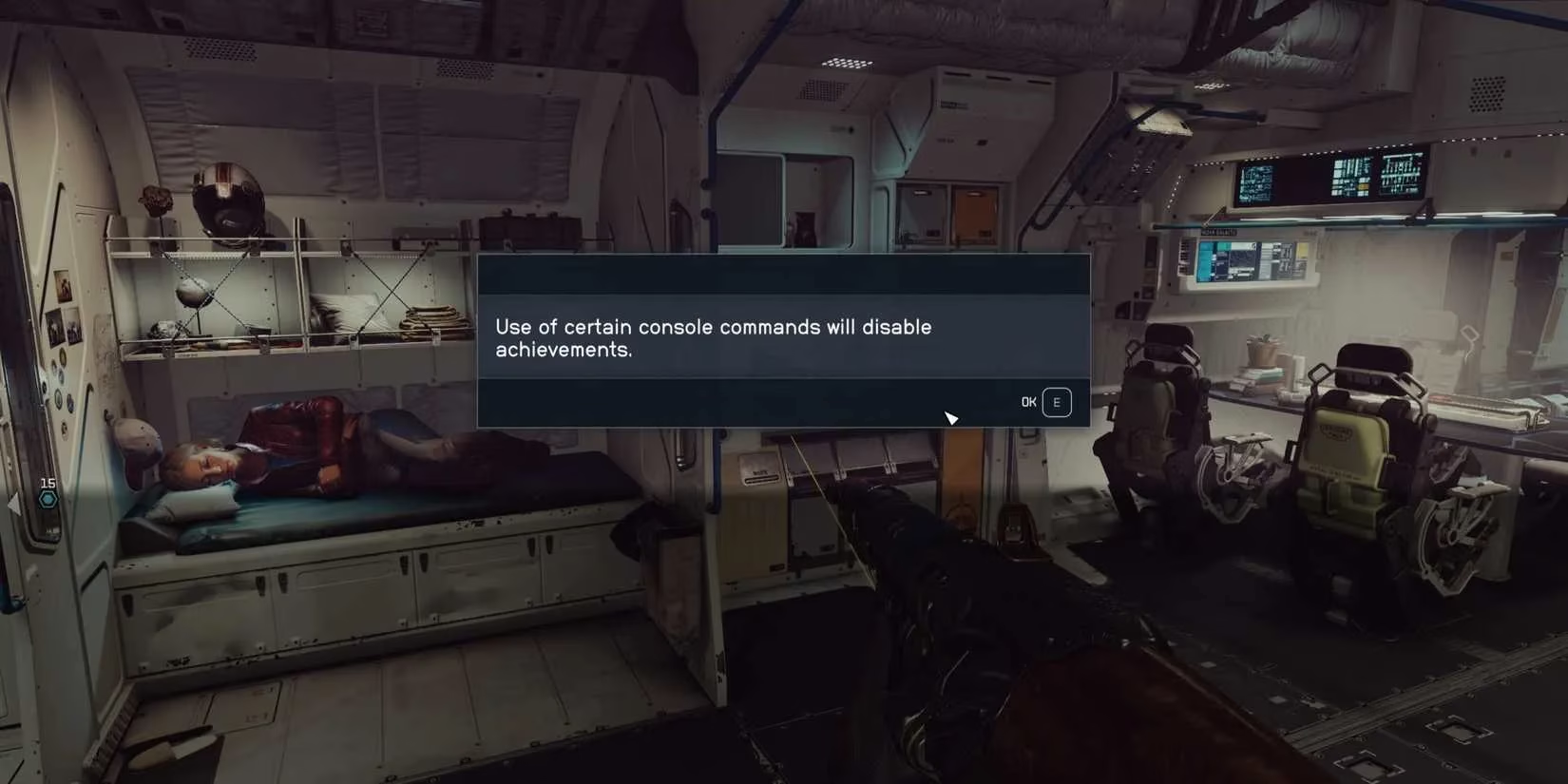
I also keep one caution in mind: back up my save before I type anything. Console commands are powerful, and power without a backup is just a future headache. I treat each command as a small experiment. I save, I test, I check the quest log, and I only move on when the result looks right. That routine has kept my longest-running character intact.
So, what is the takeaway? Starfield quest IDs are not glamorous, but they are one of the most useful PC tools I have for managing a huge RPG. They let me start, complete, reset, and stage-jump quests when the game or my schedule demands it. I still play the missions properly most of the time. But when a quest breaks, or when I want to revisit a favorite moment, I am glad the console is there. Would I call that essential? For a long-term player in 2026, yes. 🚀